ICRA 2026 Keynote Tutorial: The Open Motion Planning Library (OMPL 2.0)
Tutorial Video
If you missed the tutorial, you can now watch the tutorial video online and follow along.
Key Facts
- Tutorial Date: Tuesday, June 2, 15:00-16:30
- Tutorial Location: Strauss 1-2
- Participants, please follow the tutorial instructions prior to attending the tutorial.
Table of Contents
Schedule
| 15:00-15:05 | Opening remarks |
| 15:05-15:10 | Introduction to sampling-based motion planning |
| 15:10-15:15 | Fast Geometric Planning with CPU Parallelism |
| 15:15-15:20 | Fast Kinodynamic Planning with CPU Parallelism |
| 15:20-15:35 | Introduction to the Open Motion Planning Library (OMPL 2.0) |
| 15:35-16:00 | Hands-on Activity 1: General motion planning with OMPL 2.0 |
| 16:00-16:25 | Hands-on Activity 2: Fast motion planning via OMPL 2.0 and CPU Parallelism |
| 16:25-16:30 | Concluding remarks |
Description
Robotics research is at the forefront of today’s technological revolution and has attracted enormous attention from academia and industry. Recent advances in both hardware and software enable efficient robot systems with promising applications in factories, warehouses, homes, hospitals, and public spaces. At the core of these applications is motion planning, which aims to generate feasible motions that enable the robot to achieve its tasks. In this tutorial, we will walk you through a new version of the Open Motion Planning Library (OMPL 2.0), released in April of 2026, which offers new capabilities for sampling-based motion planning enabled by recent developments in the field, such as ultrafast planning in microseconds on CPUs, easy Python integration, and new planners and state spaces. The tutorial will start with a brief introduction on sampling-based motion planning, recent advances in ultrafast planning with parallelism, and the organization of the OMPL library. We will continue with hands-on activities, including 1) motion planning with our OMPL interfaces, e.g., for collision checking, environment and state spaces, and our provided planners; and 2) ultrafast motion planning with spherized obstacles via vectorized kinematics and collision checking. Instructions on setting up OMPL for the tutorial will be provided in advance through the conference, and several members of the group will be available to provide support throughout the session.
Instructions
Please follow these instructions prior to attending the tutorial.
System Requirements
- Linux, MacOS, or Windows with a WSL 2 Linux distribution (e.g. Ubuntu, installable from the Microsoft Store)
- Python version between 3.11 to 3.13, pip
- git
- Eigen
On WSL/Ubuntu (other distribution package managers offer similar packages)
sudo apt install libeigen3-dev
On MacOS
brew install eigen
⚠️ Note for WSL users
The workshop uses rerun for visualization. rerun is known to have some issues working out of the box on WSL, so it is recommended to test your rerun installation ahead of the tutorial and follow the instructions in https://rerun.io/docs/getting-started/install-rerun/troubleshooting#running-on-wsl2-ubuntu.
We recommend installing the Vulkan drivers:
sudo add-apt-repository ppa:kisak/kisak-mesa
sudo apt-get update
sudo apt-get install -y mesa-vulkan-drivers
Then testing your installation using the following:
rerun --renderer=vulkan
And during the tutorial running both tutorial scripts with WGPU_BACKEND=vulkan, as shown below:
WGPU_BACKEND=vulkan python <script_dir>/<script_name>.py
Setup
The tutorial repository can be found here.
1. Clone the tutorial repository
git clone https://github.com/KavrakiLab/ompl-workshop.git
cd ompl-workshop
2. Create and source a virtual environment
python -m venv env
source env/bin/activate
3. Install dependencies
python -m pip install -r requirements.txt
Organizers
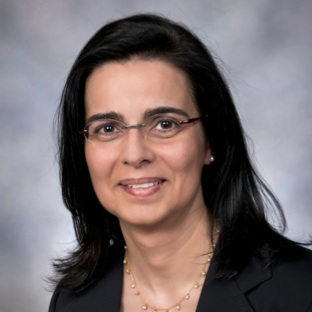
Lydia Kavraki
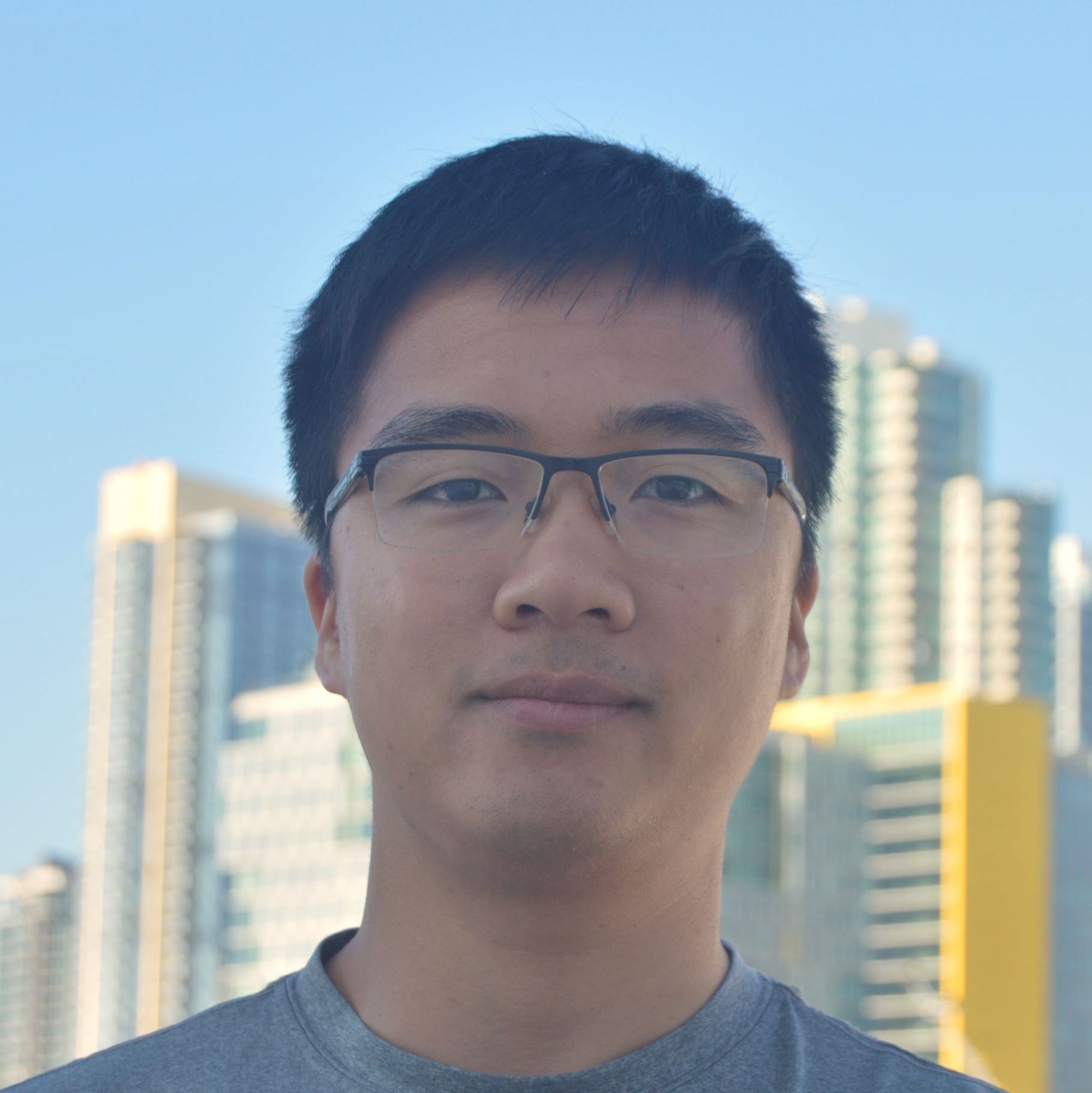
Thai Duong
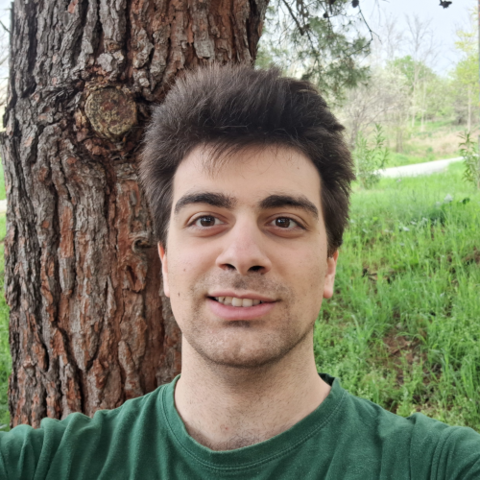
Theo Tyrovouzis
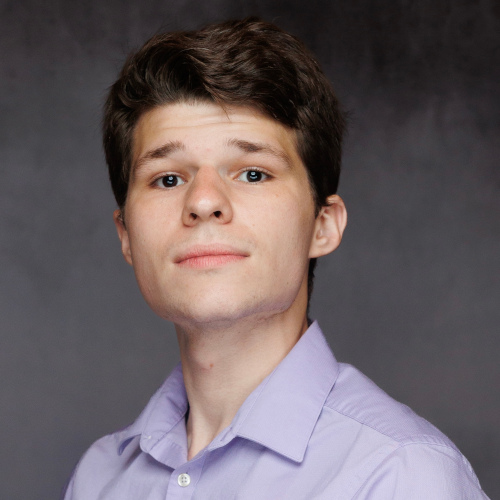
Clayton Ramsey
Nikki Hart

Arden Knoll